Built around the visit
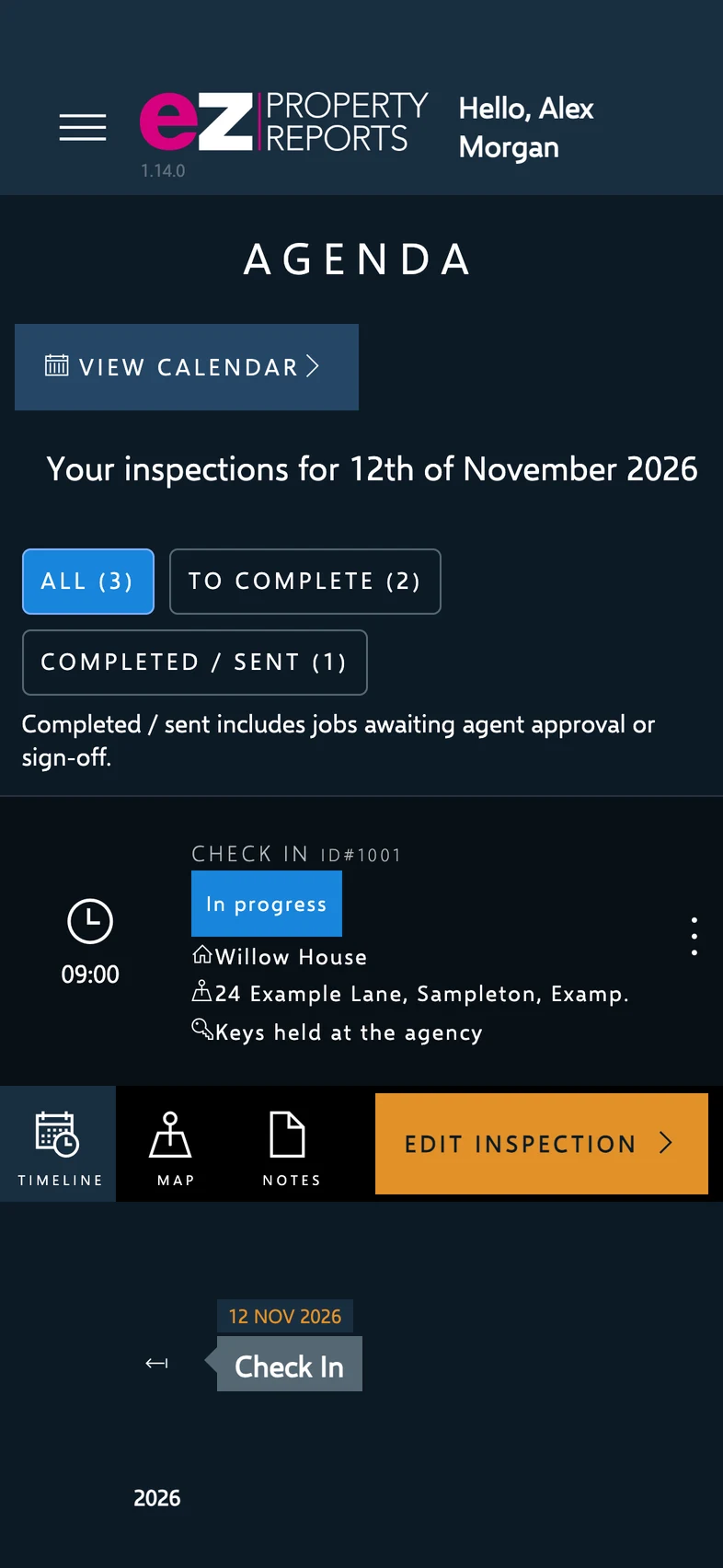
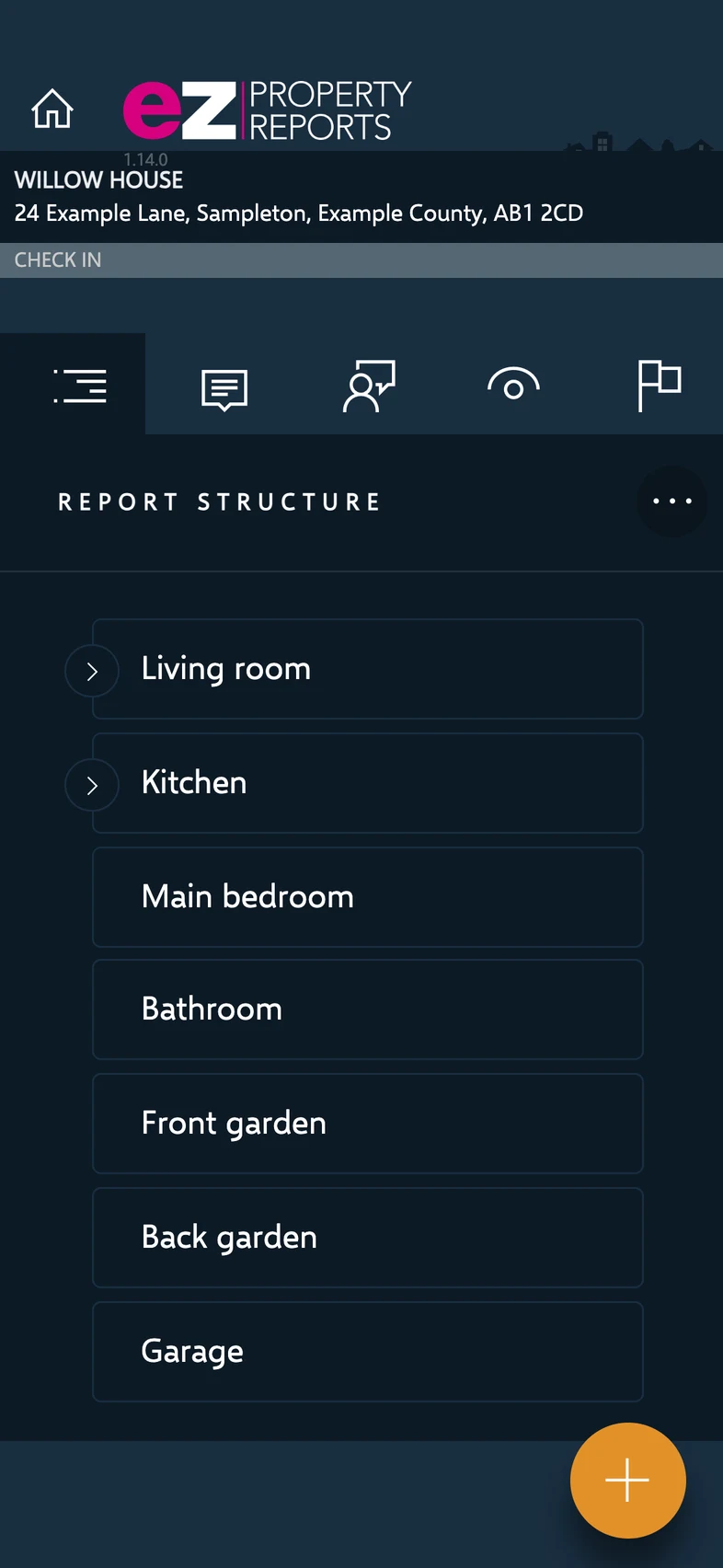
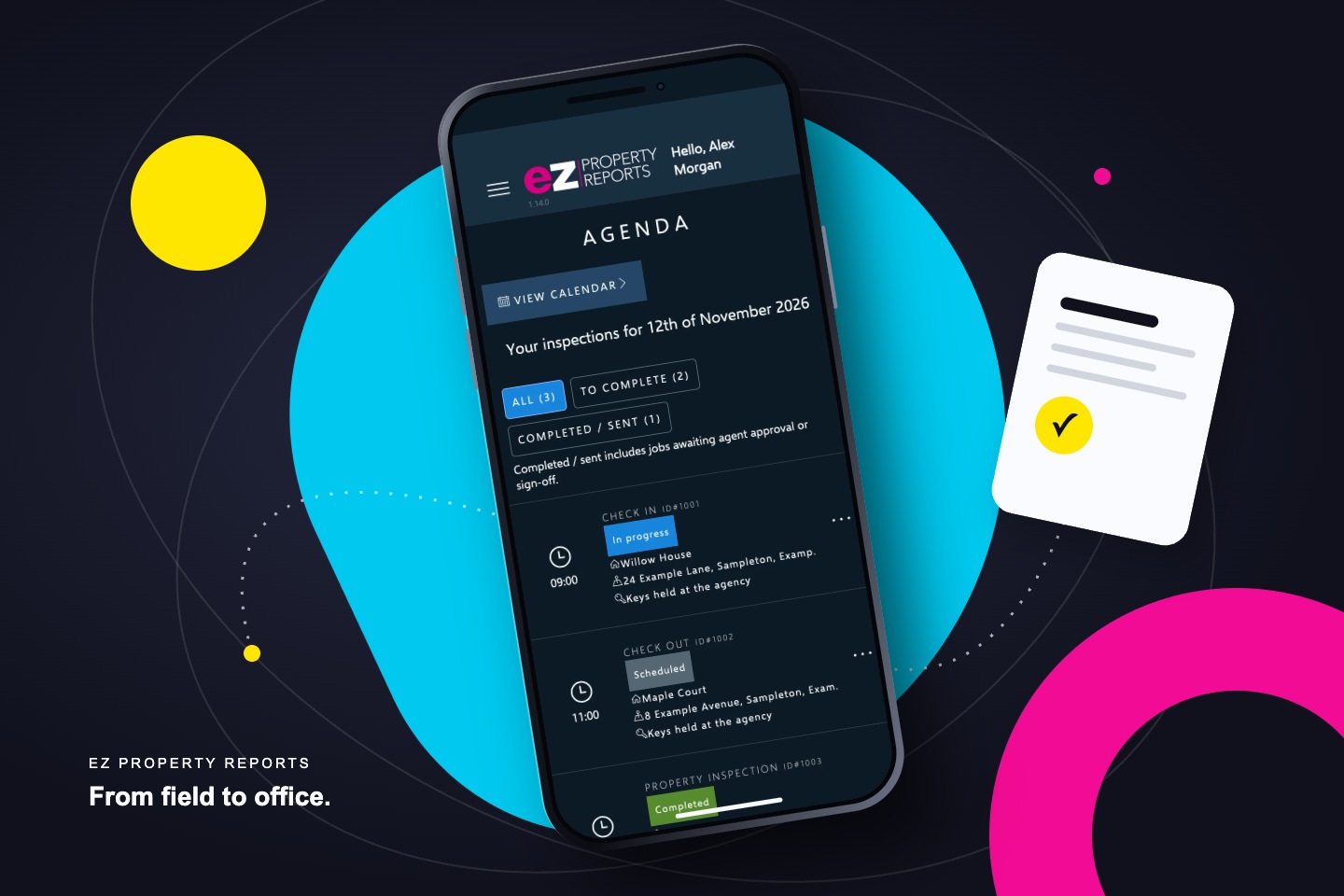
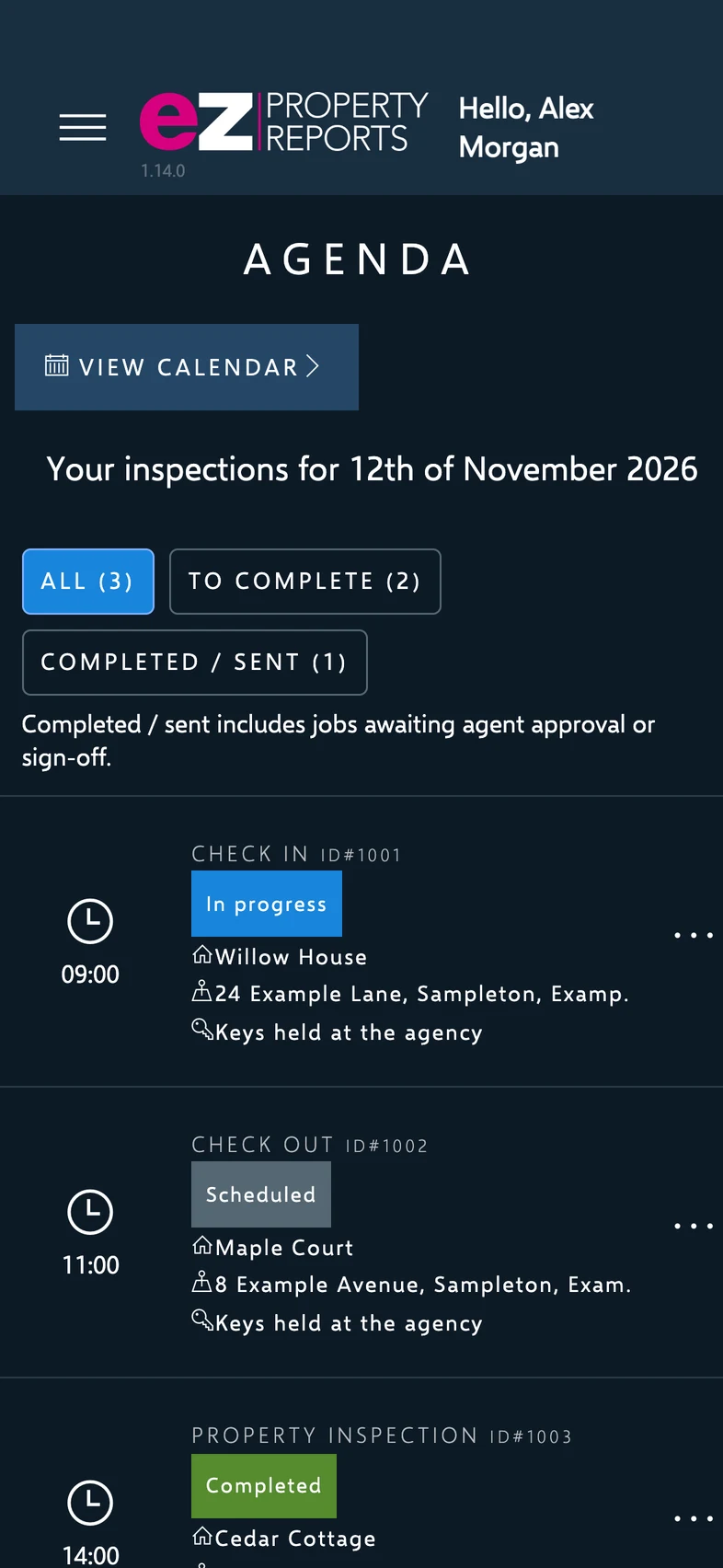
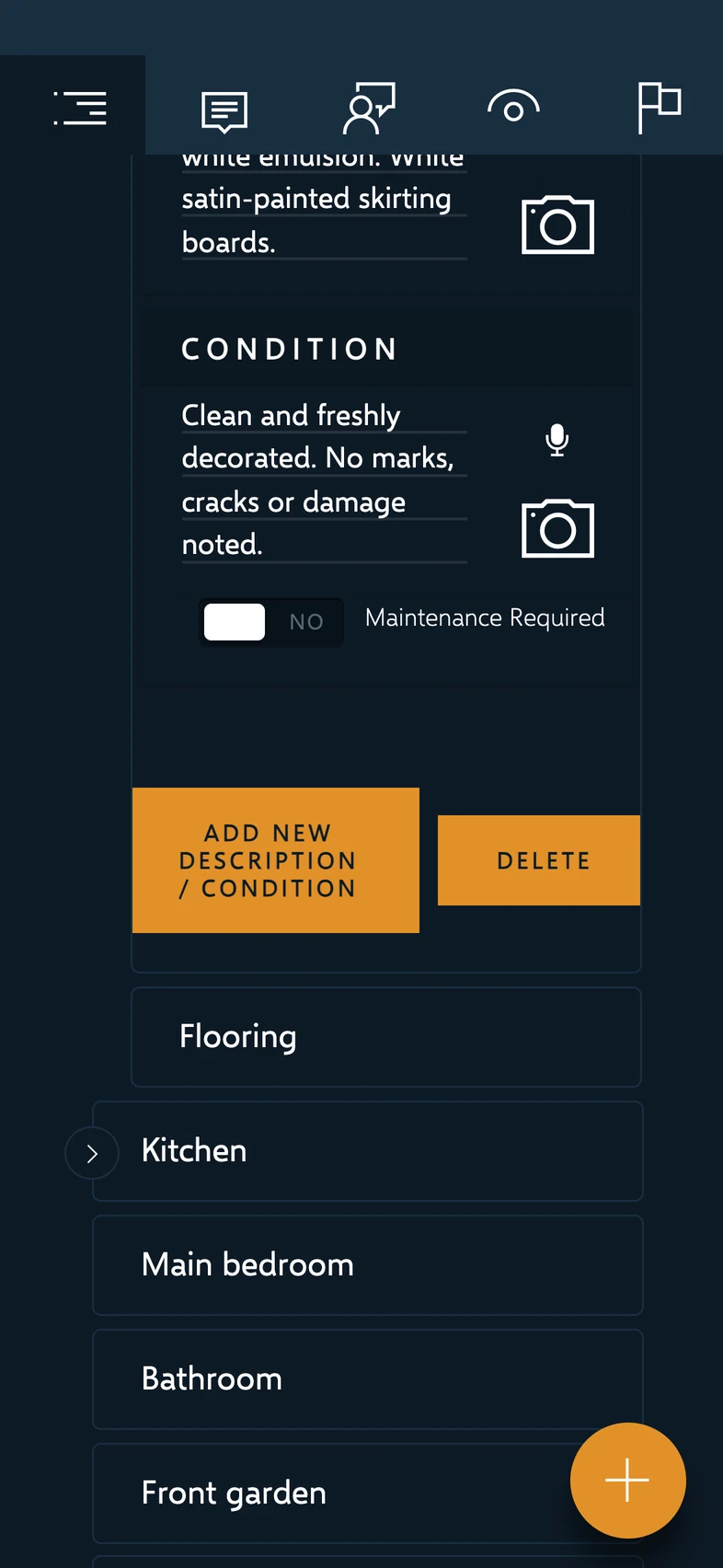
Property inspections happen room by room, with different requirements for an indoor space, a garden or a garage. The application brings the day’s agenda, report structure, descriptions, condition notes and evidence into one working journey.
Our ongoing work connects refinements in the iOS experience with the backend that schedules, stores, processes and delivers the report. The aim is continuity between what an inspector records and what the office and client receive.
An app with an operation behind it
The mobile experience uses Vue and Capacitor to bring a structured reporting interface into iOS, with access to device capabilities such as the camera and local file storage. A Laravel backend provides the shared operational layer.
At a high level, the app holds working report data and media locally, exchanges updates through an authenticated application boundary, and connects to backend report records and file storage. The backoffice supports the wider inspection workflow; it is more than a place to store a finished PDF.
One experience. Connected responsibilities.
The iOS app connects local report and media capture to authenticated backend services. The backoffice manages report records, files and operational workflows.
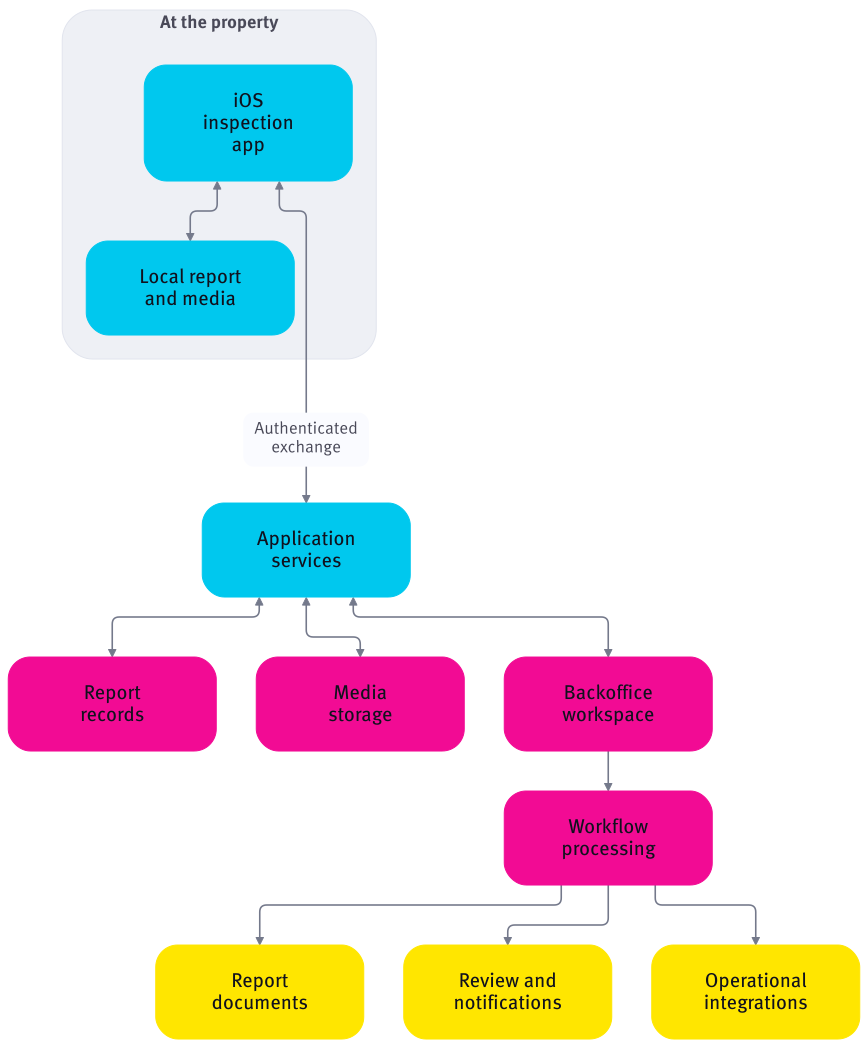
High-level responsibilities and business flow. Explore horizontally on smaller screens.
Capture the detail that belongs to the space
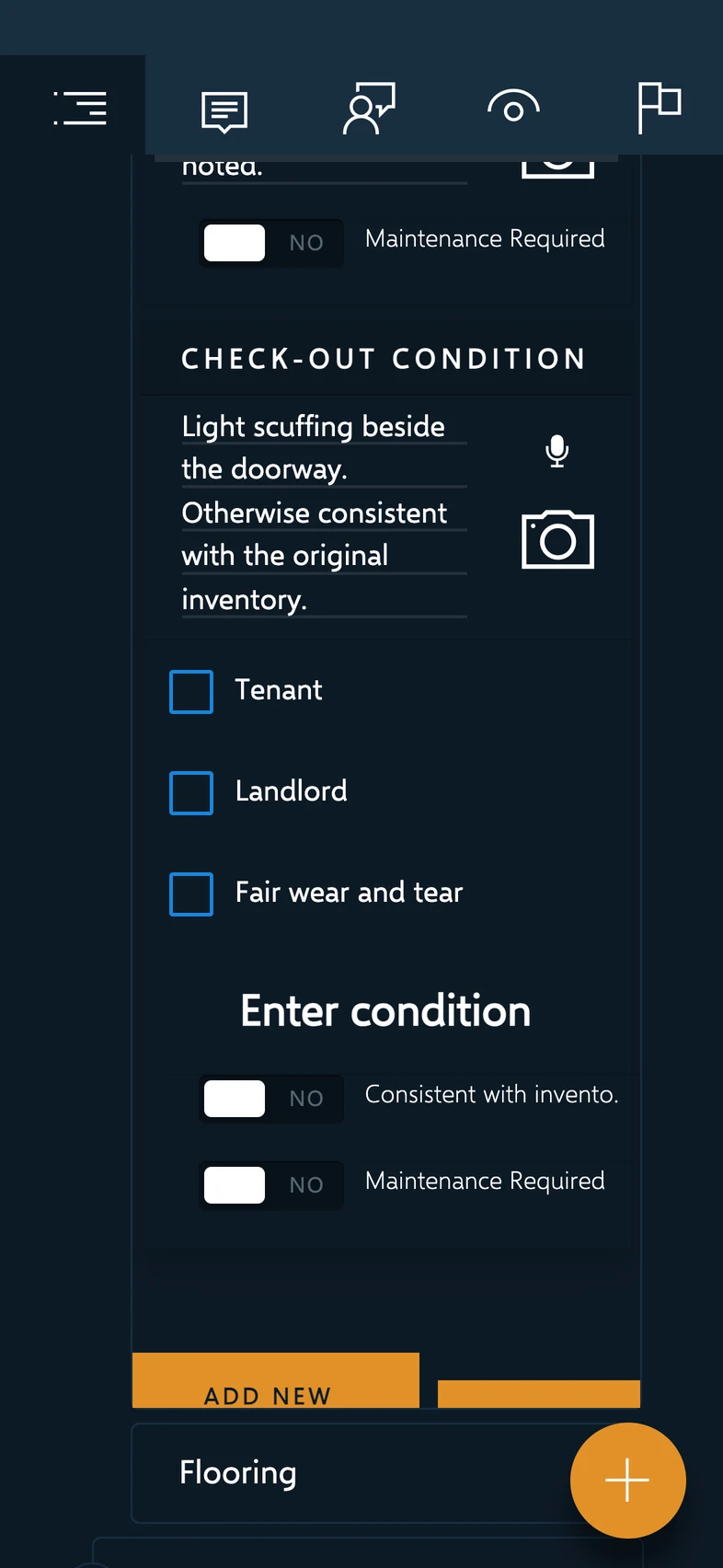
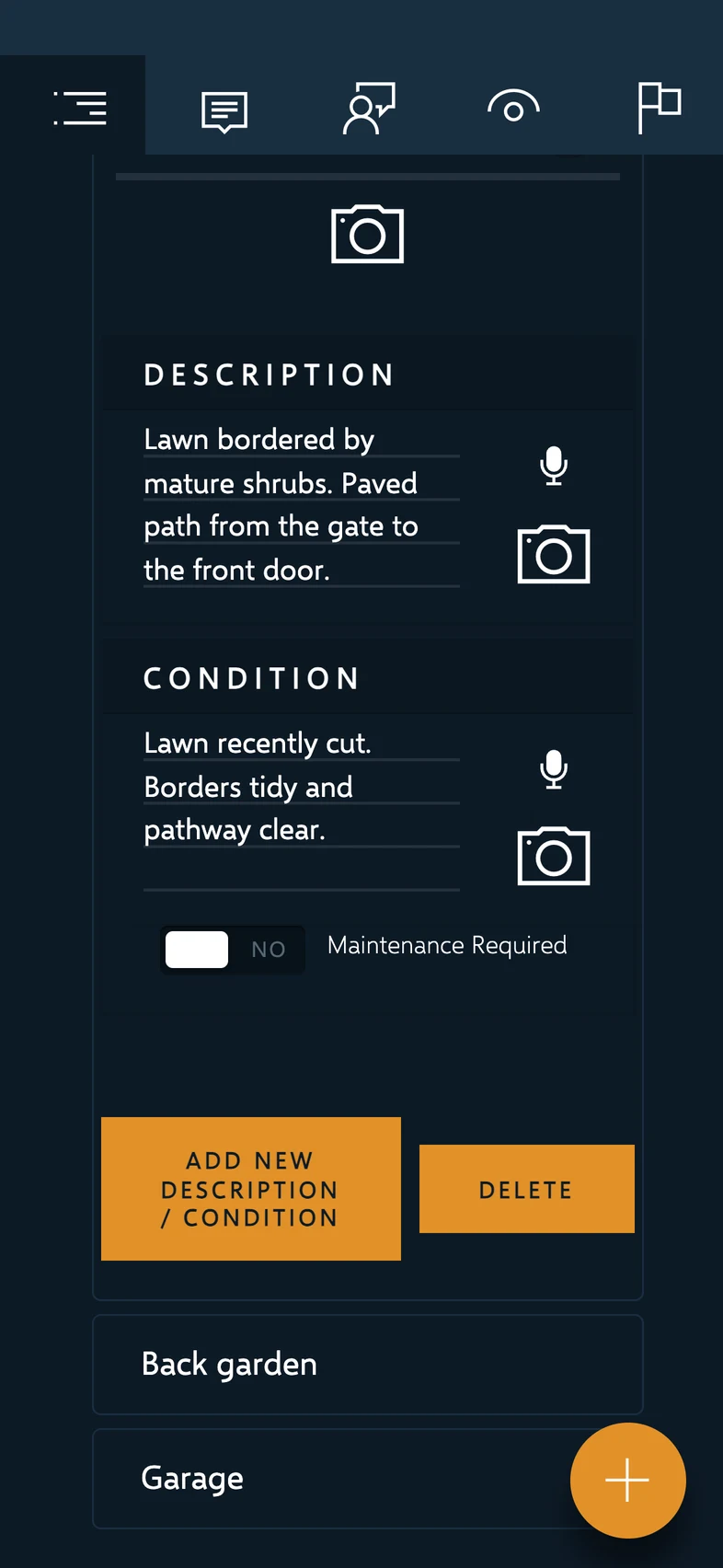
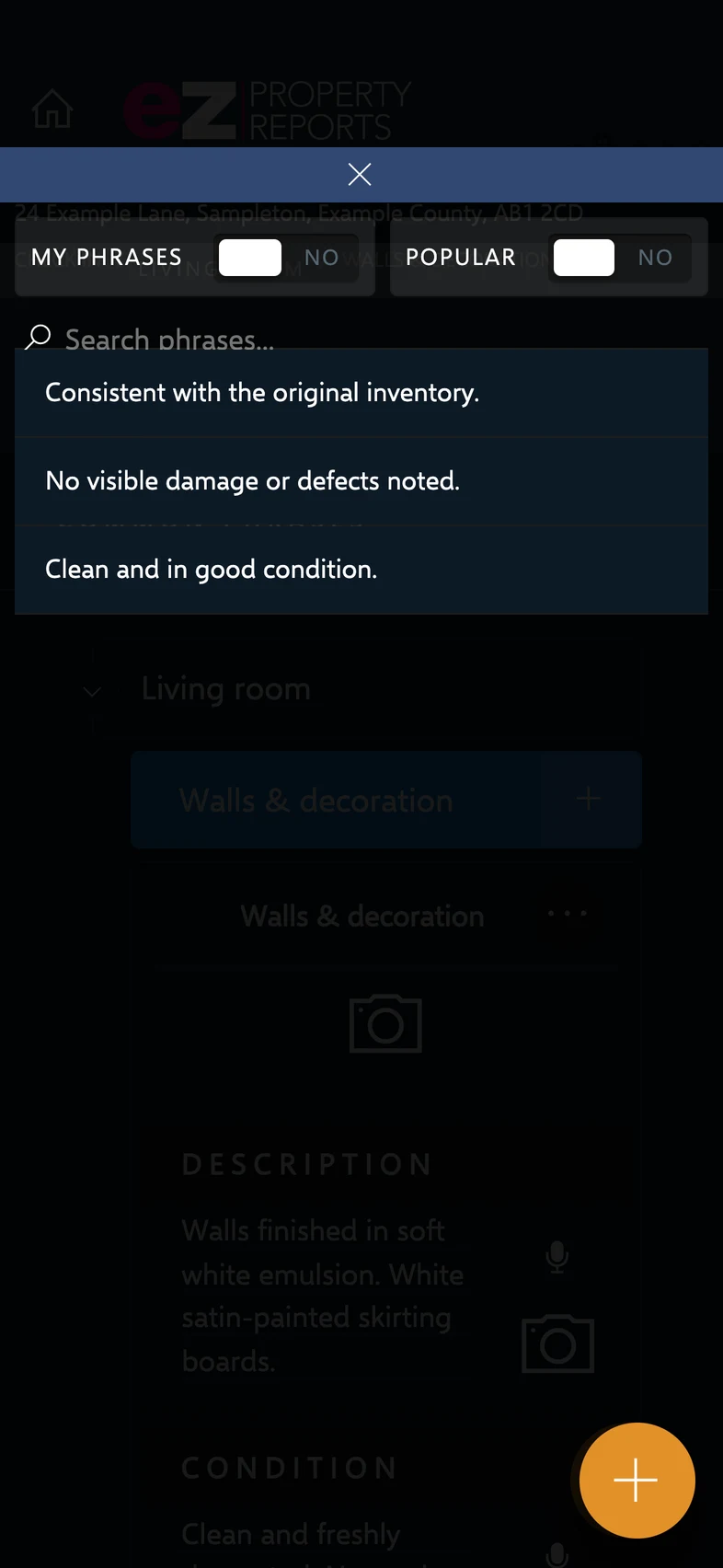
Inspectors can move through a report hierarchy, record descriptions and conditions, capture supporting photographs and reuse common phrases. Checkout observations bring responsibility and maintenance considerations into the same report journey.
Room-specific refinements let outdoor areas carry their own description and condition at the appropriate level, rather than forcing every space into an identical indoor template. These changes are developed against representative reporting examples before release.
Local work, connected deliberately
Report information and photographs are synchronised as related but distinct parts of the workflow. Local working data gives the capture journey continuity between exchanges with the backend; sending a report onward remains a separate action from saving work.
Media remains eligible for retry when storage has not been acknowledged. Diagnostics help support teams investigate failed exchanges. This is a practical recovery workflow, rather than a promise that every interrupted connection resolves automatically.
Save locally. Synchronise with confirmation.
Report updates and media have distinct exchanges. Unconfirmed media remains eligible for retry; diagnostics support investigation when a transfer fails.
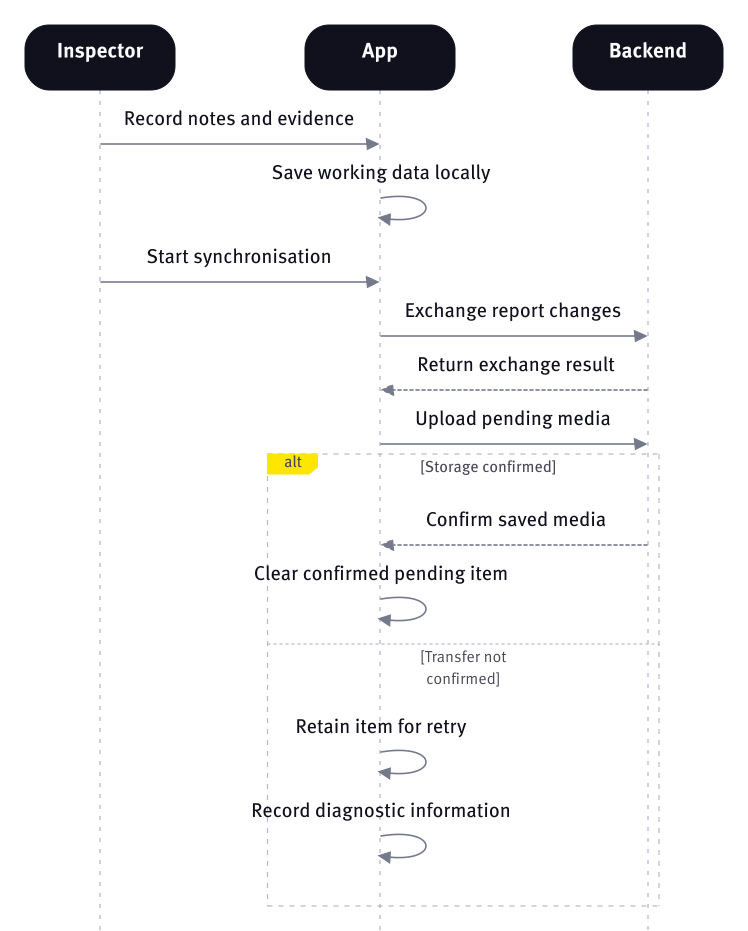
High-level responsibilities and business flow. Explore horizontally on smaller screens.
From inspection to review and delivery
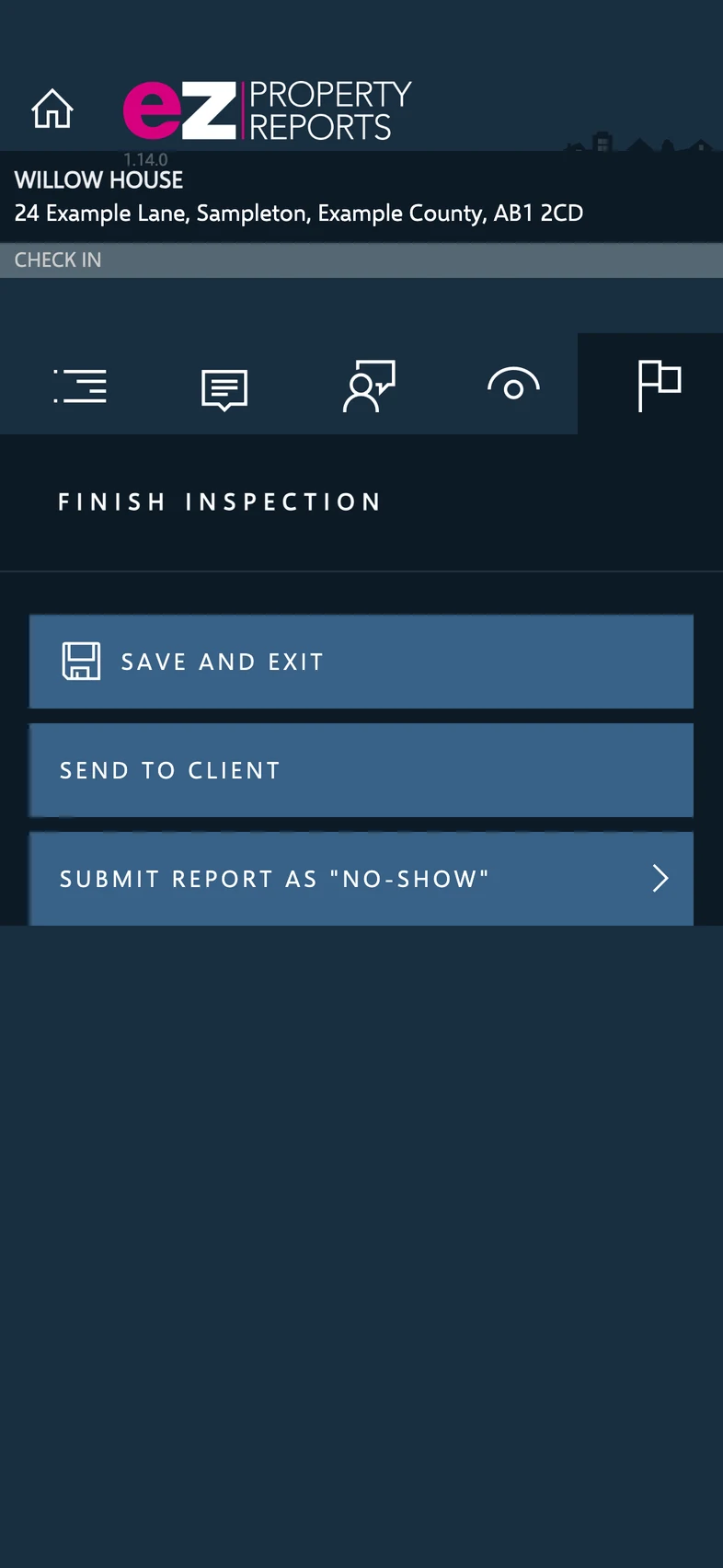
The inspector can save and exit, or take the next step towards client review. The backend receives the reporting changes, processes the relevant workflow actions and prepares report output. Review and approval form part of the wider service journey.
Backend functionality includes structured report and media handling, PDF generation, review and notification actions, operational scheduling and business-system integrations. Invoicing functions sit alongside that service operation. These responsibilities are represented here at a business level, without internal state rules or customer-specific configuration.
A deliberate handover to the next person.
Saving work and requesting review are separate actions. Backend processing prepares report output and notifications, with review and follow-up handled through the wider workflow.
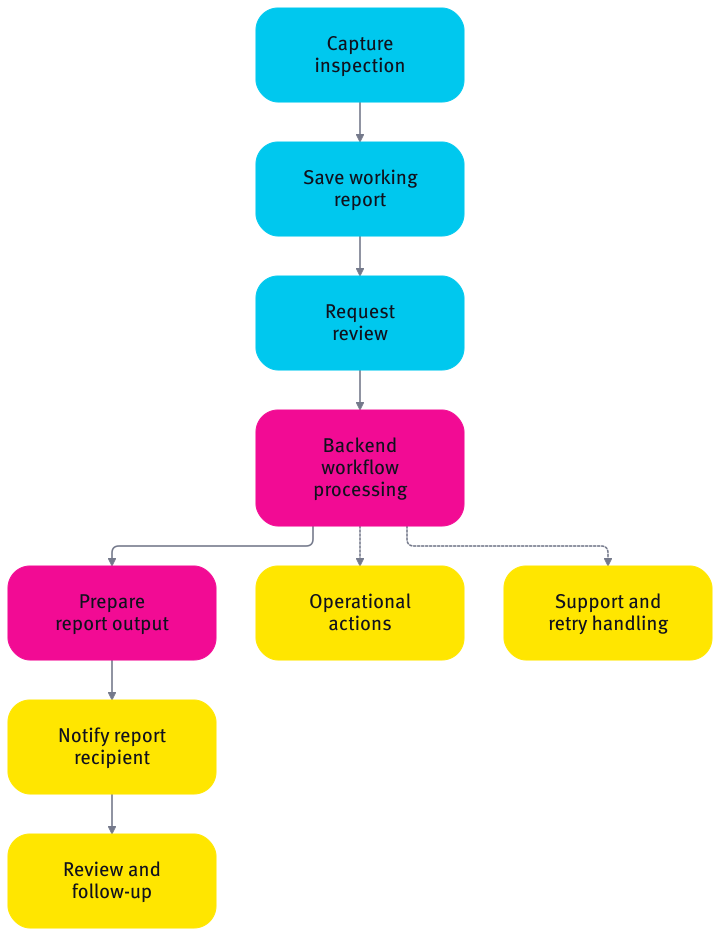
High-level responsibilities and business flow. Explore horizontally on smaller screens.
Support is part of the product
Application diagnostics and synchronisation feedback make problems easier to investigate alongside the report journey. Backend action processing also provides mechanisms for handling failures and operator-led retries.
Current development includes more durable diagnostics, media-handling improvements and reporting refinements. Simulator or browser checks, physical-device validation, staged distribution and release approval answer different questions; a development build is not evidence that every change is live.
An established workflow with room to evolve
The result is a connected product foundation spanning the inspection, the office and the report recipient. Its value lies in keeping structured capture, evidence and downstream actions connected as the service changes.
Ongoing work can refine individual reporting steps and strengthen support tooling while preserving the wider workflow. Further changes are validated through the relevant device, backend and user-review stages before release.